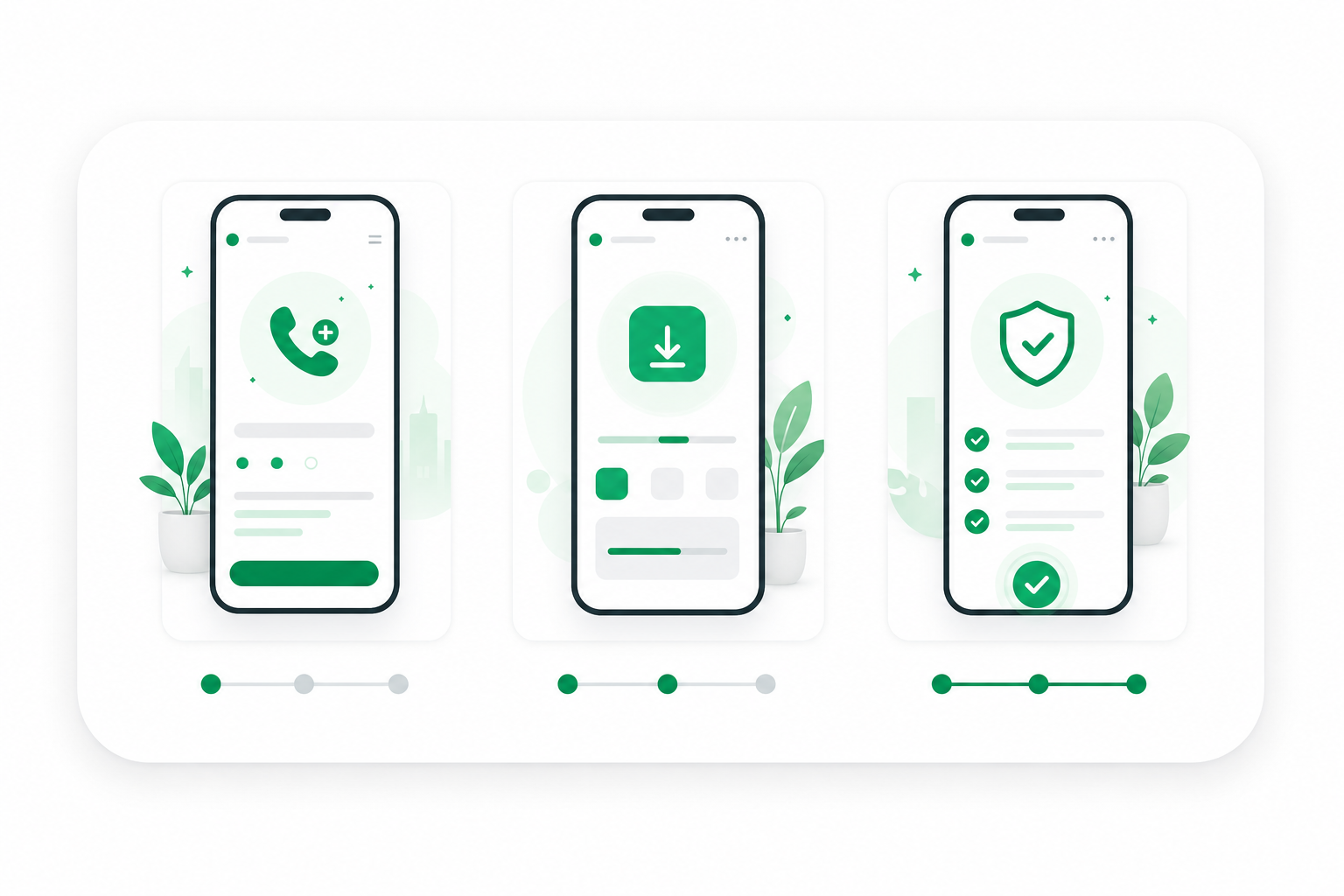
Step one
Generate a Number
Generate a number on our website and receive it in just 10 seconds.
Business numbers without a second phone
Multiple numbers? View Teams product
Simple steps
No second phone or slow setup. Just a fast, reliable way to add a business number.

Step one
Generate a number on our website and receive it in just 10 seconds.
Step two
Download the WhatsApp Business app from Google Play or the App Store.
Step three
Enter your new business number when requested, verify it, and you are done.

One phone, two lives
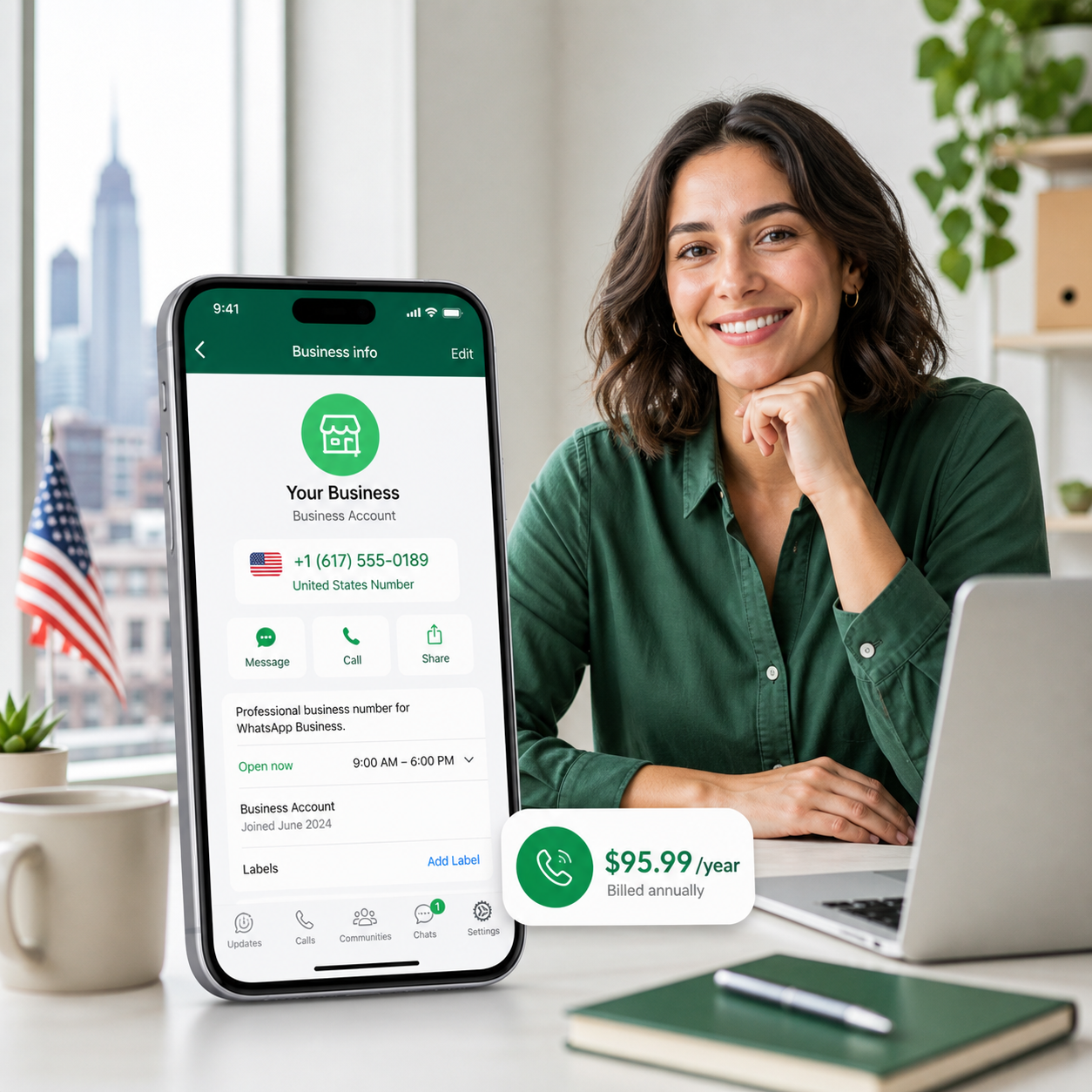
WhatsApp Business needs a second number if you want to keep your personal WhatsApp. BusinessNumber gives you that business number quickly, so you can keep one mobile and separate work from personal life.
Unlocking the power of WhatsApp Business for every professional need.
Choose a dedicated business number for calls, quotes, bookings, and customer messages without carrying another phone.

Keep lettings, sales, landlords, and buyers in one dedicated business channel.

Protect your personal number while staying easy for clients to reach.

Manage bookings, check-ins, and client motivation without mixing personal chats.

Keep quotes, suppliers, and customer messages organized on one business number.

Handle appointments, reminders, and repeat customers from a dedicated line.

Create a professional WhatsApp presence without carrying a second phone.
Customer story
We spoke to Adam Taylor AssocARLA, Senior Negotiator at Winkworth Southfields, about how a dedicated business number helps teams respond faster and keep conversations accountable.
Read success story
“The setup was fast, support helped through WhatsApp, and the cost was very competitive.”
“I got my number instantly and can keep work and personal conversations separate, including on WhatsApp Web.”
“Quick setup and a clean separation between work messages and my social life.”
“I could verify WhatsApp Business without buying another phone or changing my personal number.”
“The number arrived quickly and the instructions were clear enough to finish setup between client calls.”
“It gave my small business a more professional WhatsApp presence with very little admin.”
“Support answered quickly when I needed help with the verification code.”
“I like having a dedicated business number while keeping everything on the same phone.”
“The process felt simple, predictable, and much faster than arranging a second SIM.”
“Clients now message a business number, and my personal WhatsApp stays private.”
“Pricing was easy to understand and the setup matched what the site promised.”
“A practical fix for separating bookings, quotes, and customer questions from personal chats.”
FAQ
Short answers to the questions people usually ask before generating a number.
The product is designed primarily for WhatsApp Business verification, but your account area will show the supported uses for your number.
WhatsApp and WhatsApp Business need separate numbers when they are used on the same phone.
Blocks can happen when WhatsApp detects unusual usage or policy issues. Contact support so we can help you review the next step.
Generate your number, enter it in WhatsApp Business, then follow the verification instructions shown in your account.
No. WhatsApp requires a different number for each app on the same device.
YBN numbers are sold for business verification flows. Check your plan details before relying on normal calls or texts.
No. A virtual number helps with WhatsApp Business verification; a business eSIM is a separate connectivity product.
Yes. You can run both apps on the same phone when each app uses its own number.
You can manage cancellation from your account or contact support if you need help.
Practical reading for teams and professionals using WhatsApp Business.
How To, Technology
George Lineker · 4 March 2026
Co-Founder Insights, WhatsApp Business
George Lineker · 25 February 2026
How To, WhatsApp Business
George Lineker · 4 February 2026
Ready when you are
Generate a second business number, keep your personal WhatsApp private, and move into WhatsApp Business without carrying another phone.