1
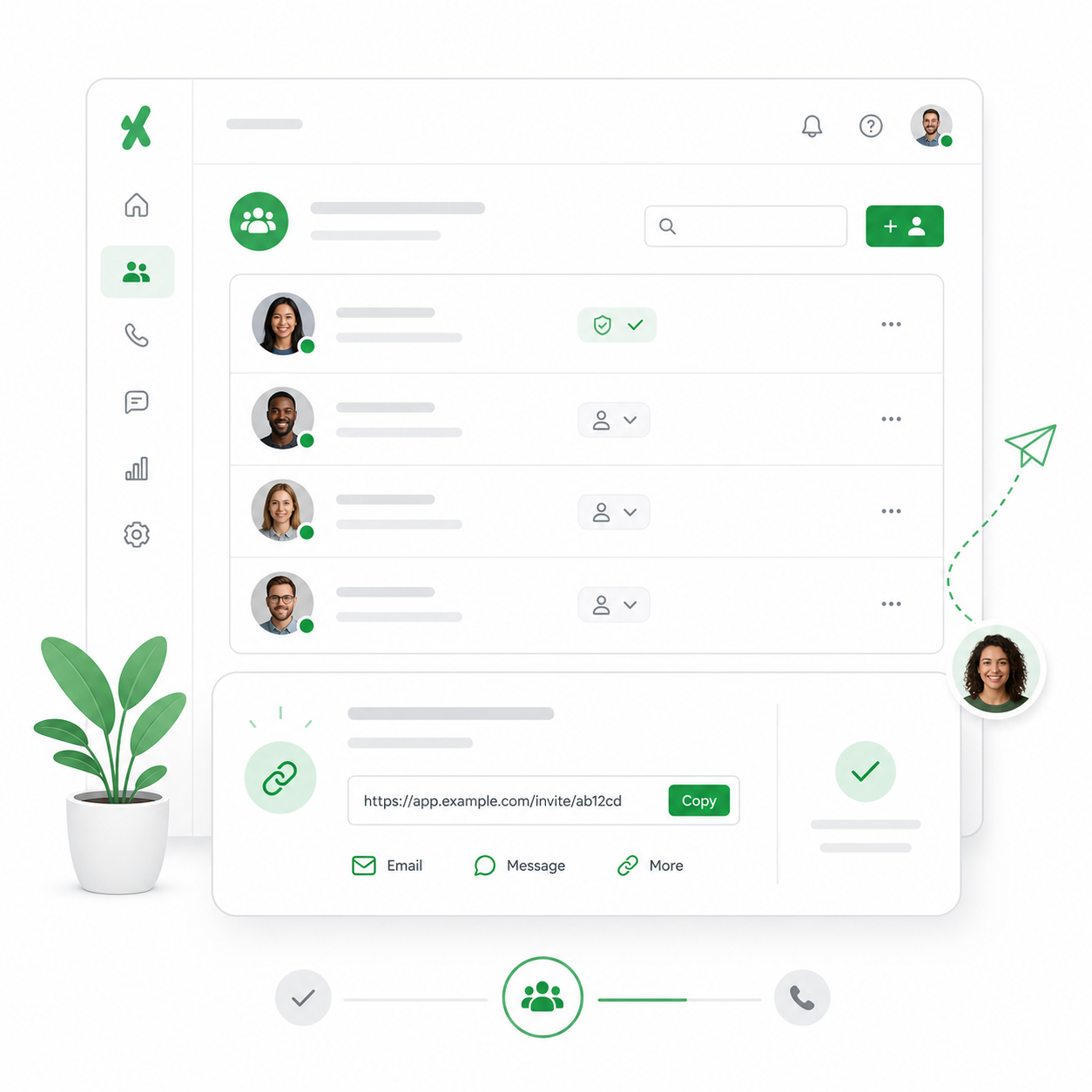
Create or invite users
Add teammates from the dashboard or send an invite link so they can join the right workspace.
BusinessNumber helps small teams generate, assign, and verify business numbers without handing out second phones.
Just need one number? View Solo product
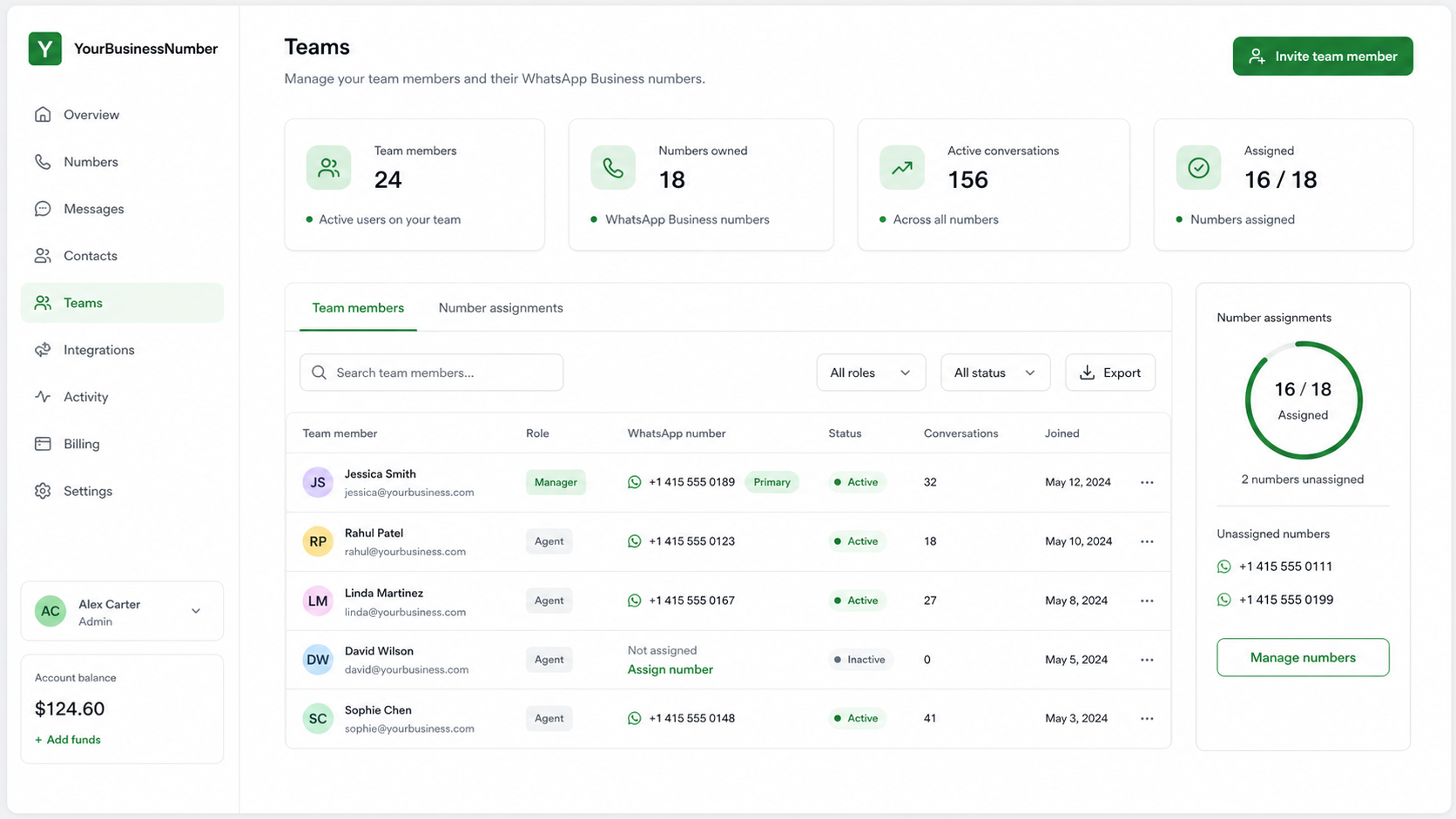
Your Team - One Dashboard
Give each teammate a dedicated business number, keep billing under one subscription, and see assignments clearly before anyone starts messaging customers.
Team workspace
Number assignments
Maya Carter
+1 415 555 0189
Leo Martin
+44 7700 900123
Ana Silva
+55 11 91234 5678
Want to know more?
See how a bring-your-own-device setup helps employees use WhatsApp Business while keeping personal chats private.
No more second phones
Your team keeps the phones they already use. You provide the business numbers and a clear setup path.
Add teammates from the dashboard or send an invite link so they can join the right workspace.
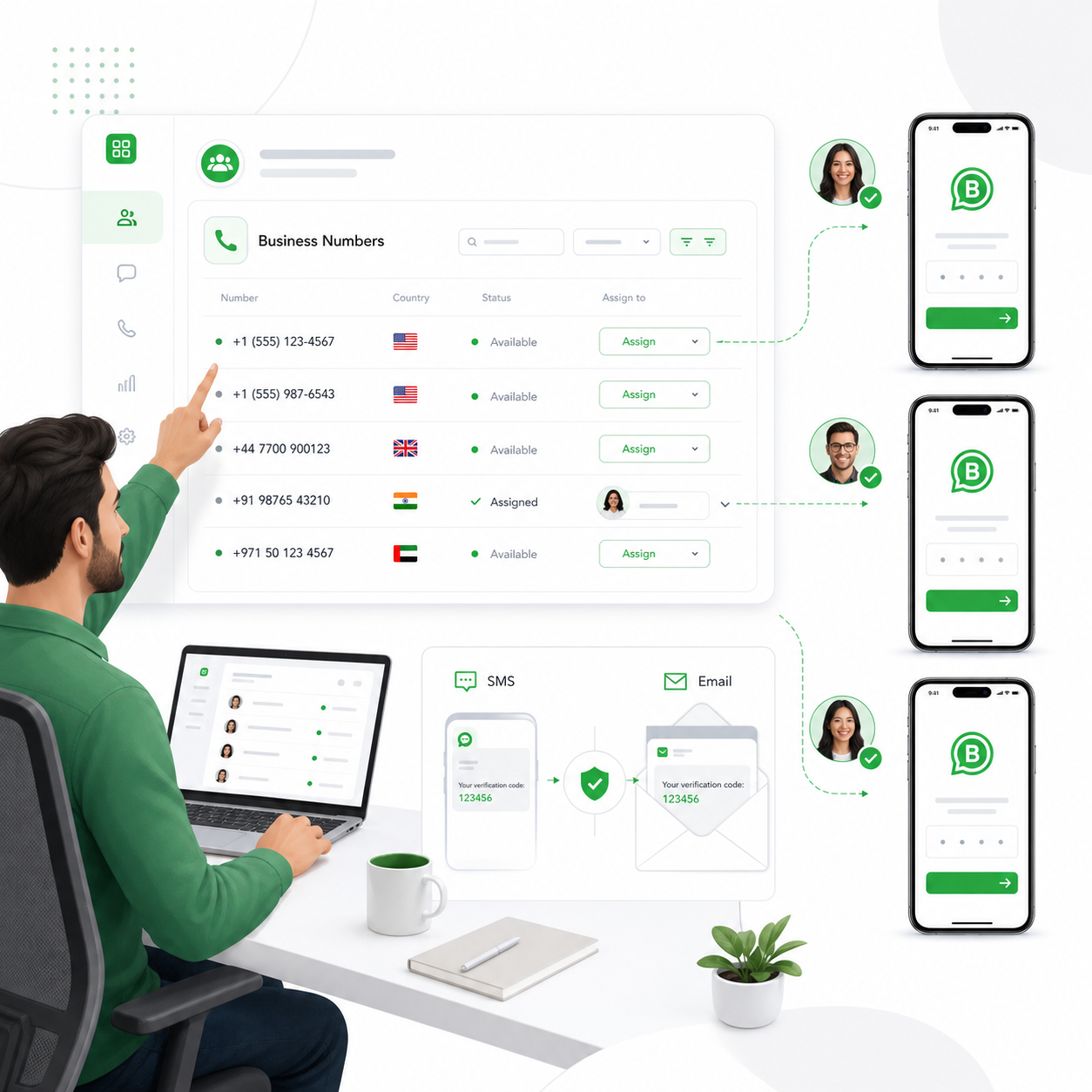
Assign a virtual business number, then use SMS or email verification to activate WhatsApp Business.

Employees message customers from WhatsApp Business while personal conversations stay separate.
FAQ
Short answers before you set up business numbers for multiple people.
Yes. The flow is designed for bring-your-own-device teams that need a separate WhatsApp Business number on each person’s phone.
The dashboard is designed around one team workspace and one subscription so number management is easier to control.
Yes. You can use the solo virtual number product first, then move to a team setup when you need multiple numbers.
No. YourBusinessNumber provides the business numbers and verification support. Your team still uses the WhatsApp Business app.
Ready for the team setup?